How to change a destination URL without breaking the short path
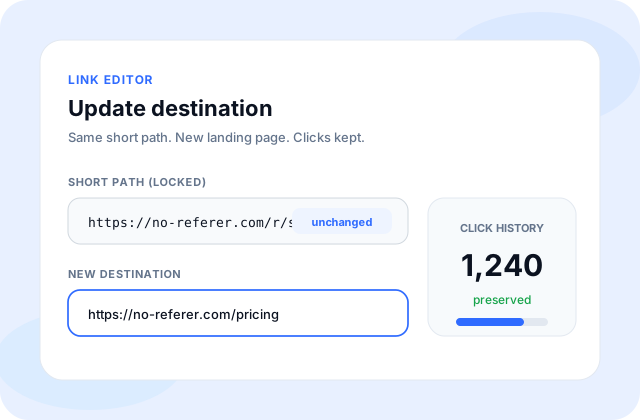
Edit the https target in My URLs. The /r/ path - and any printed QR - stay the same.
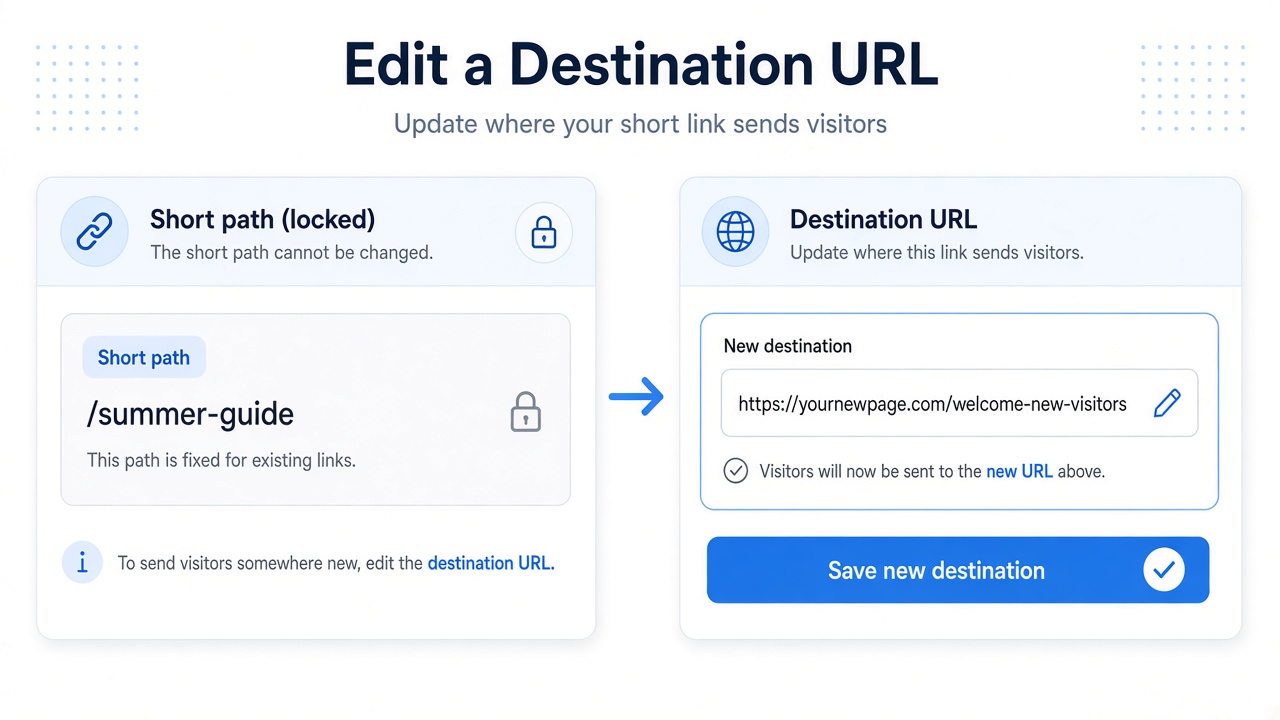
Campaign pages move. PDFs get replaced. A short path people already trust should not have to change every time the destination does.
For links you created while signed in, open My URLs, edit the https destination, and test the same /r/{code}. Guest creates are not imported into My URLs later.
Checklist
- Sign in and find the link in My URLs.
- Paste the new public https destination.
- Save, then open /r/{code} in a private window.
- Stop promoting any code whose page you can no longer verify.
How it works on no-referer
Editing does not unlock http or self-loops. Clean no-referrer redirects continue to apply. Click tallies stay with the short path.