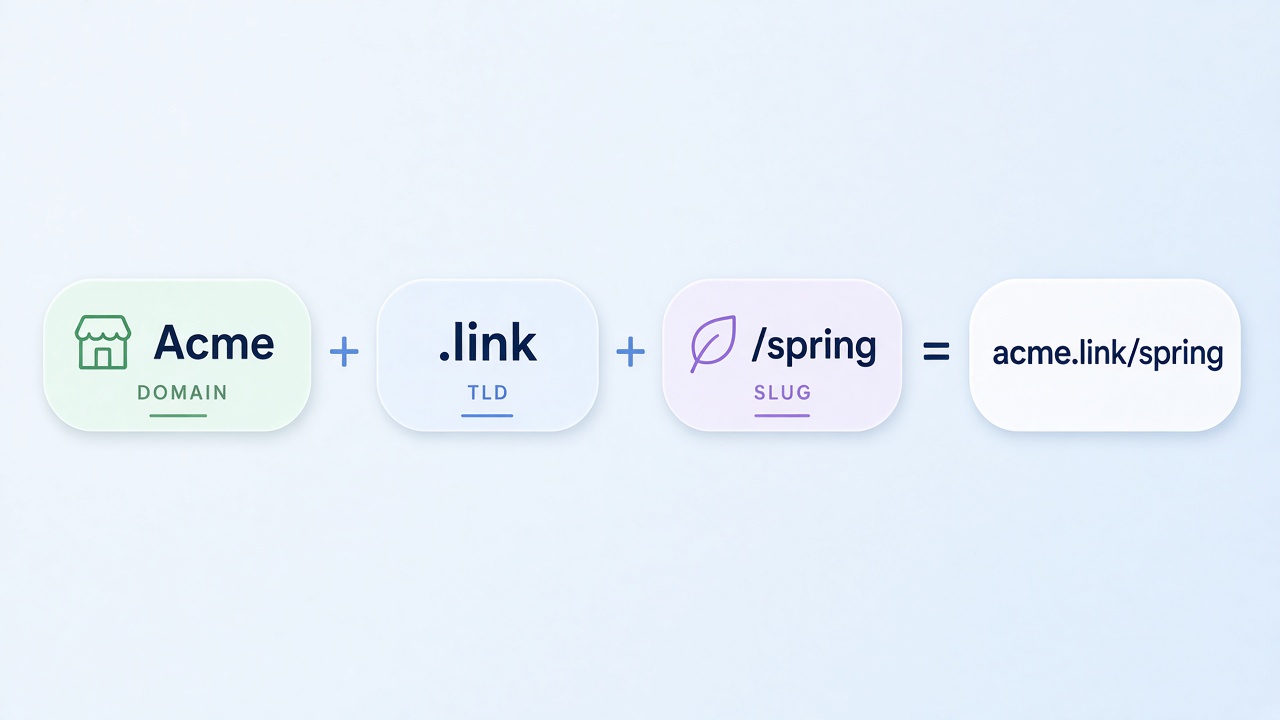
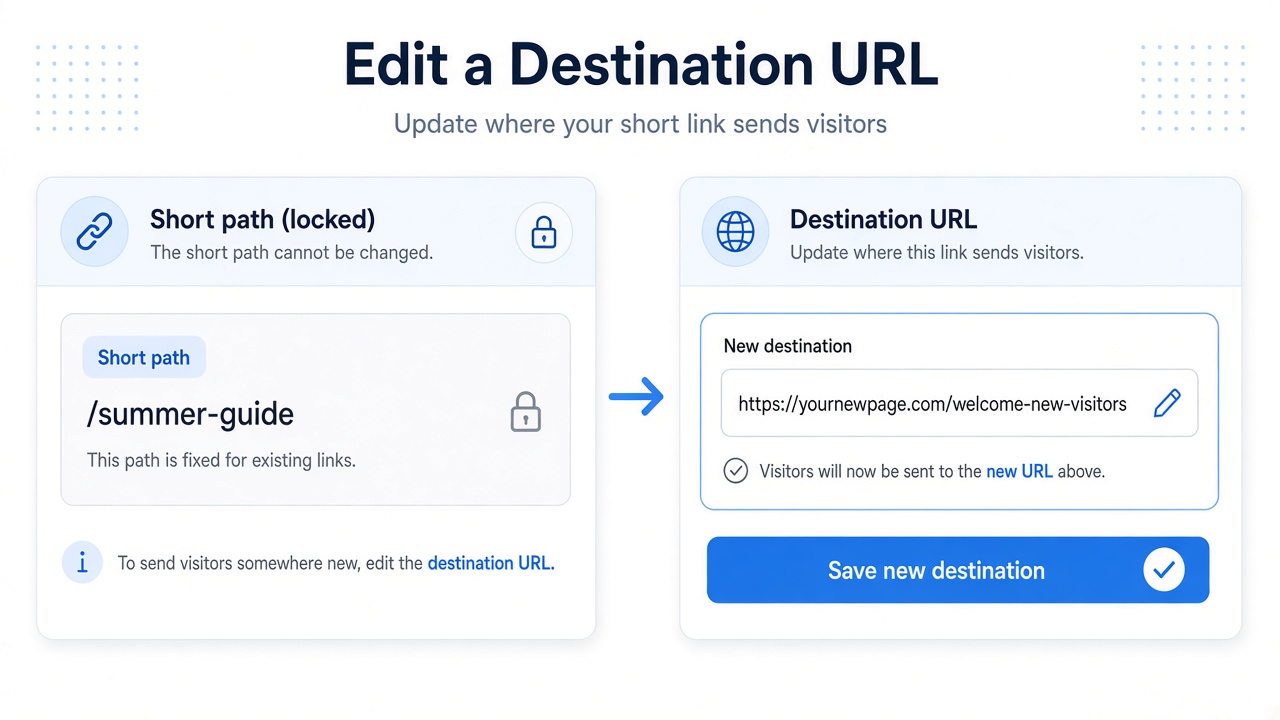
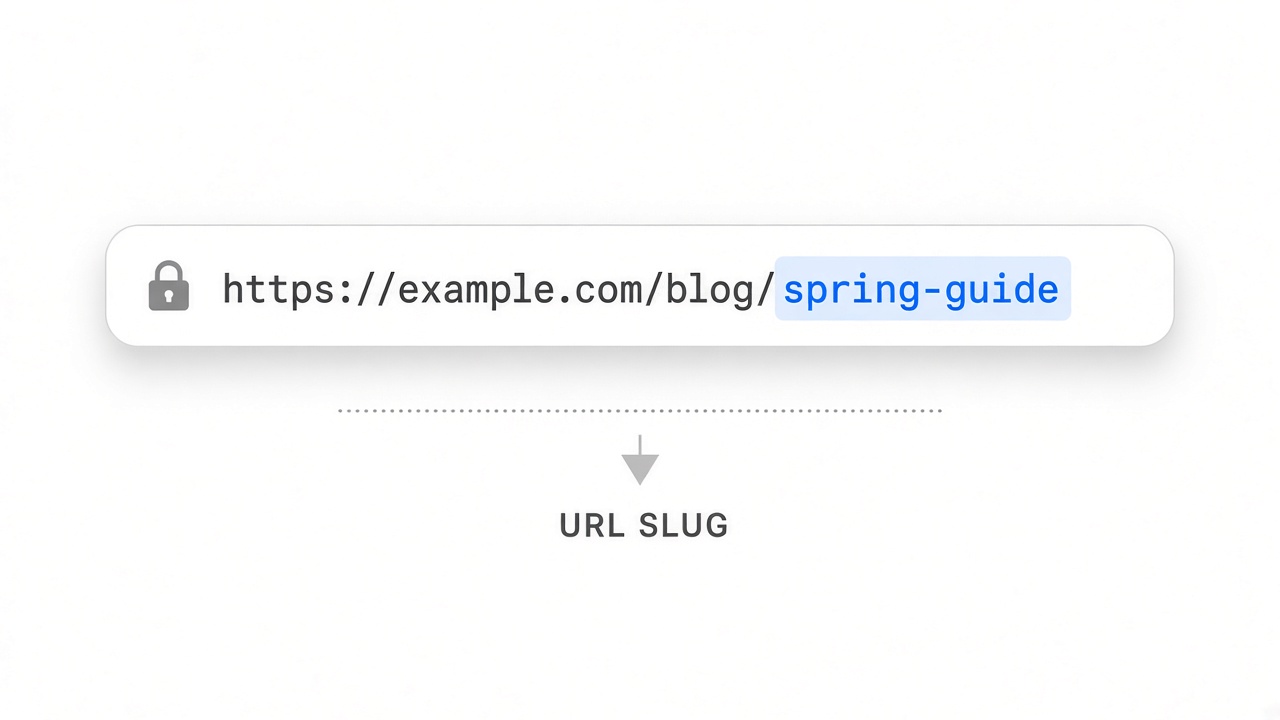
How to shorten a link
Paste an https destination on the homepage, copy the /r/ path, and confirm the redirect before you share it.

Long URLs wrap badly in chat, SMS, and slides. A short link is a stable handle: you paste the destination once, share a compact path everywhere else, and - when you create while signed in - find it again later in My URLs.
On no-referer the flow is intentionally small. There is no interstitial on the way through, and creators always see the full https target.
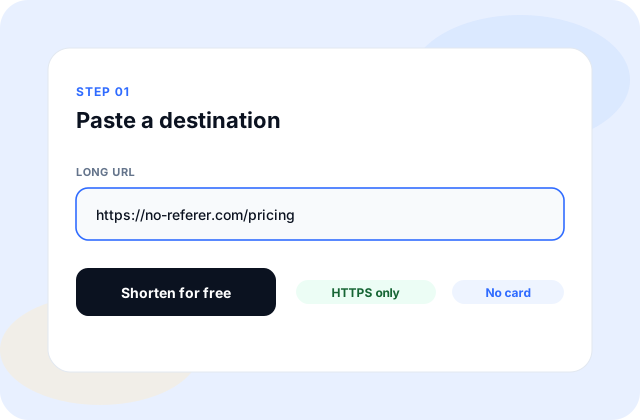
Steps
- Open the homepage and paste a public https URL.
- Optionally add an alias if you need a path you can say aloud.
- Submit and copy the /r/{code} result.
- Open it in a private window, then share it in chat, email, or SMS.
A common scene
You are about to drop a pricing page into Slack and a newsletter. Pasting the raw URL with UTM tags looks messy and may wrap. Shorten once, reuse the same /r/ path everywhere, and keep the tagged destination behind it.
Watch out for
- Do not paste a plain http address - create will reject it.
- Do not assume a guest link will appear in My URLs later; sign in first if you need history.
- Open the short link yourself before a wide send so the destination is the page you meant.
Sign in when you need history
Guest create is fine for a one-off paste. Sign in before you create when the link must survive a handoff - My URLs keeps the destination, path, click tally, and QR download together.
How it works on no-referer
Destinations must be https. Self-links to no-referer.com are blocked. The redirect uses a no-referrer policy and does not pause for a promotion. QR downloads (PNG/SVG) point at the same short path.
Need more detail? Start with Help -> Getting started, or write [email protected].