Dynamic vs static QR codes in practice
Static encodes a fixed URL. With no-referer, the QR points at /r/{code} so you can update the destination later without reprinting.
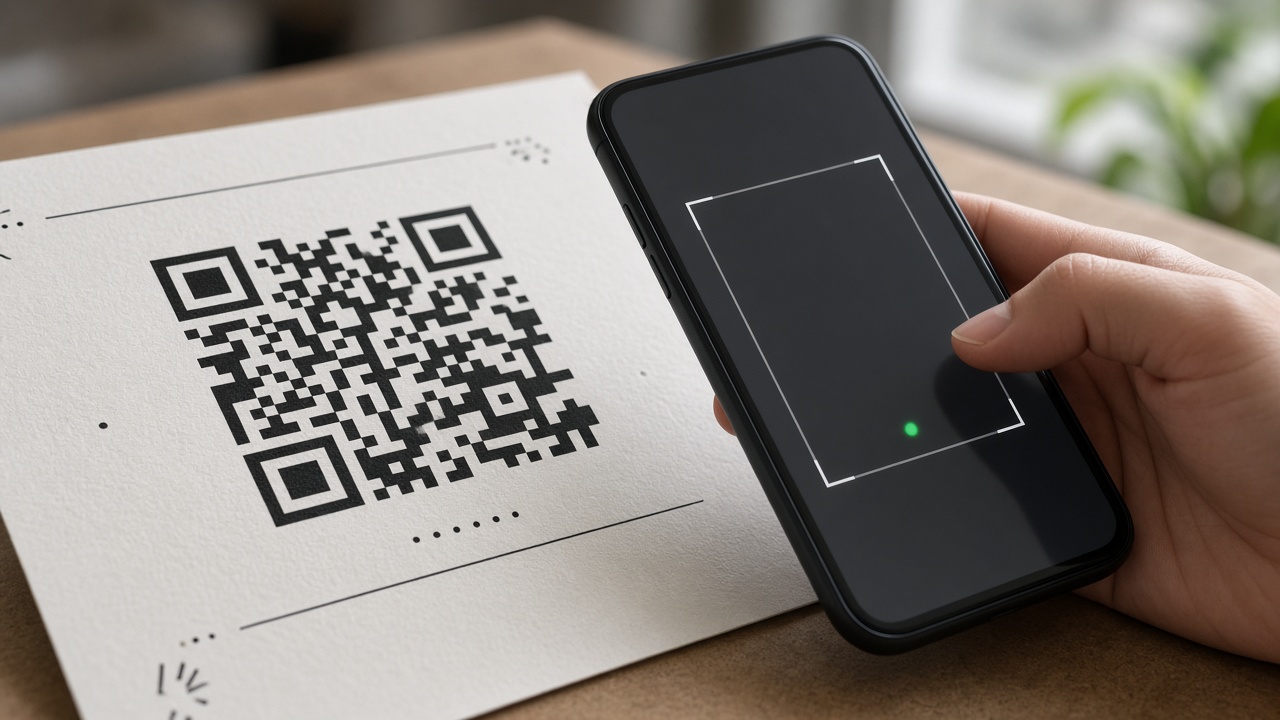
A static QR encodes a URL that never changes. Reprint packaging if the page moves. A short-link QR is more flexible: the code encodes /r/{code}, and you can edit the https destination behind that path while signed in.
That is the practical "dynamic" pattern for no-referer - without turning every poster into an ads suite.
When static is enough
One-off handouts that will never change can encode a final https URL directly. Most campaigns that might move a landing page are better served by a short path.
How no-referer QR works
- Create a short link first.
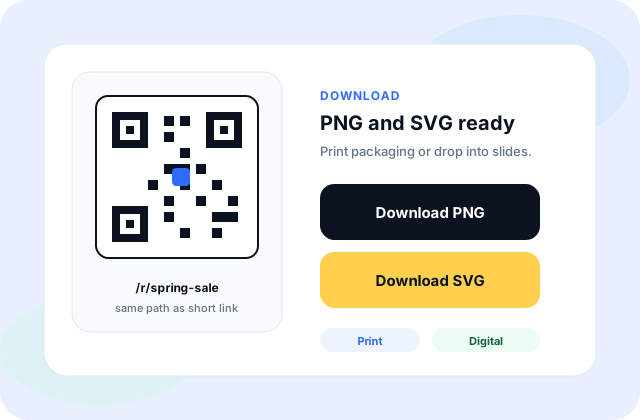
- Download PNG or SVG from the success panel or My URLs.
- Print or embed the QR; it opens the same /r/{code}.
- Update the destination later in My URLs when signed in - the printed code stays valid.
A common scene
You print 500 event badges with a QR. The landing page will change after the event. Encode /r/event-qr, then edit the destination in My URLs later - the printed code stays valid.
Watch out for
- Encoding the long final URL into the QR means a reprint when the page moves.
- Always scan a test print in real light before a production run.
- QR analytics here are the same click tallies as the typed short link - not a separate product.
Limits to be honest about
QR does not insert a pause on the redirect. Click tallies for signed-in links still apply when someone opens /r/{code} from a scan. We do not sell a separate "QR analytics product" on top of that.