
Clean redirects and no-referrer
What recipients experience when they follow /r/{code}.
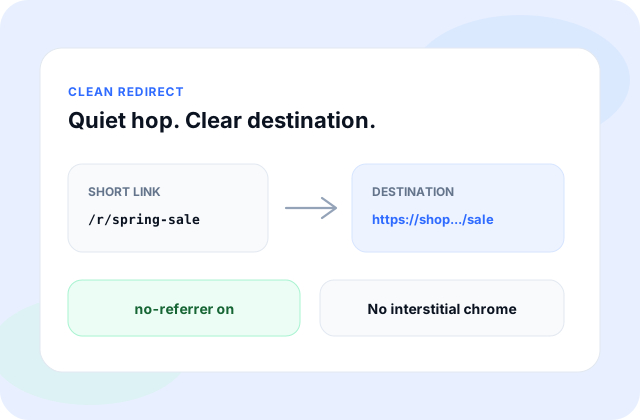
When someone opens your short link, their browser is sent to your https destination. The redirect is designed to be clean: fast, empty of promotional chrome, and paired with a no-referrer policy.
That policy helps avoid carrying previous-page context into the destination. The share stays short; the referrer stays off the wire where the browser respects the policy.
What to expect
- Share /r/{code} (or your alias) in chat, email, or SMS.
- The recipient’s browser follows a quiet redirect—no interstitial upsell.
- Where the browser honors no-referrer, less previous-page context travels with the click.
- You still see the full destination when you create or manage the link in My URLs.
What creators still see
Clean redirects are not a way to hide the target from the person who made the link. Recipients should land where you intended. Do not use short links to disguise harmful or deceptive destinations—see Acceptable use.
Clean redirects behave the same on Free, Pro, Bulk, and Enterprise. Plan differences are about volume, history, and support—not a different redirect type.
For policy detail beyond this help article, read the Privacy page or email [email protected].