
Managing links in My URLs
Find, copy, and review the short links attached to your account.
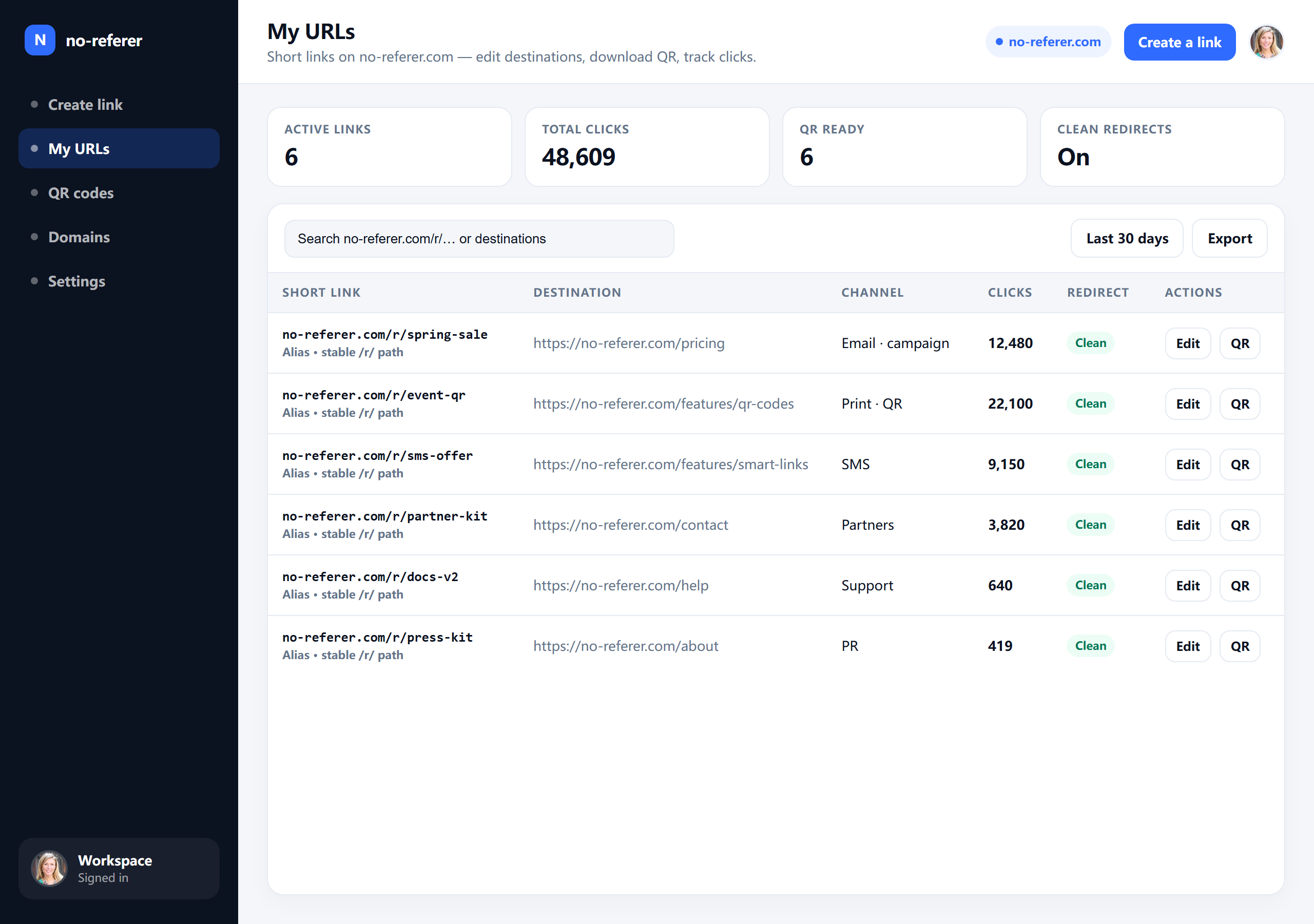
Sign in and open My URLs to see every destination attached to your user. This is the home base for day-to-day link hygiene.
Use the list to confirm which short path maps to which destination before you put a link in a newsletter or ad creative.
Everyday tasks
- Copy the short URL when you need to reshare.
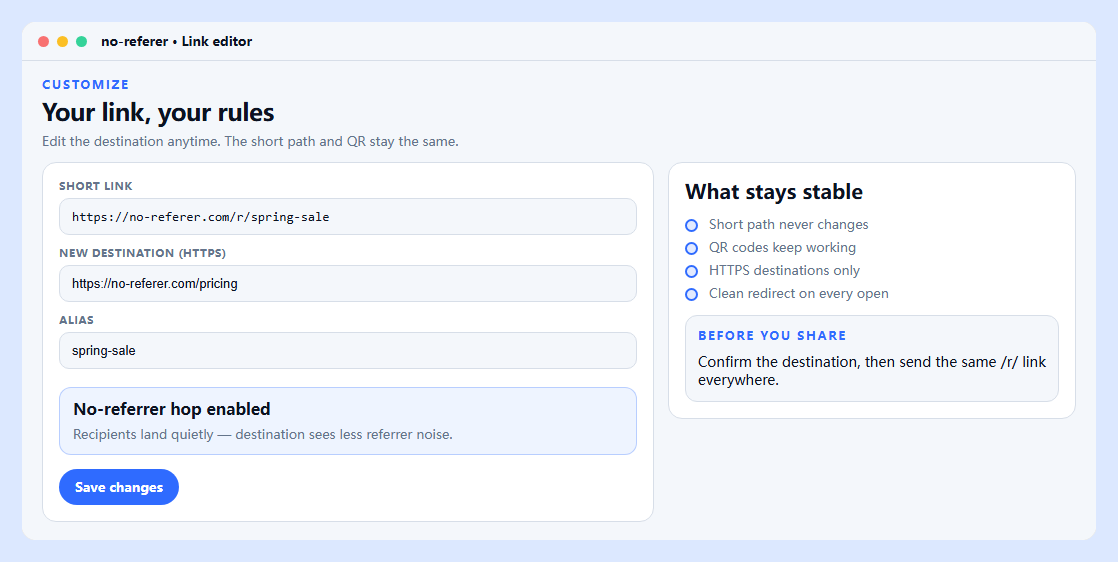
- On Pro+, open a link detail to edit the https destination or alias. Free can set an alias only at create.
- Download QR (PNG/SVG) for the same /r/{code}.
- Watch click tallies as a directional signal after a send.
Common mistakes
- Creating while signed out, then looking for the link in My URLs - guest creates are not imported later.
- Sharing a copied long destination instead of the /r/ path when you meant to track tallies.
- Editing a destination without opening /r/{code} once to confirm the new page.
If you no longer need a destination, stop sharing the short URL. For account-level cleanup or removal requests, contact [email protected].
My URLs is a management view—not a full marketing suite. It is meant to stay readable as your library grows.