
Using the homepage shortener
How the AJAX shorten form works and what you get back.
The homepage form is the fastest path from a long URL to a shareable short one. Paste the destination, submit, and the short link appears in place.
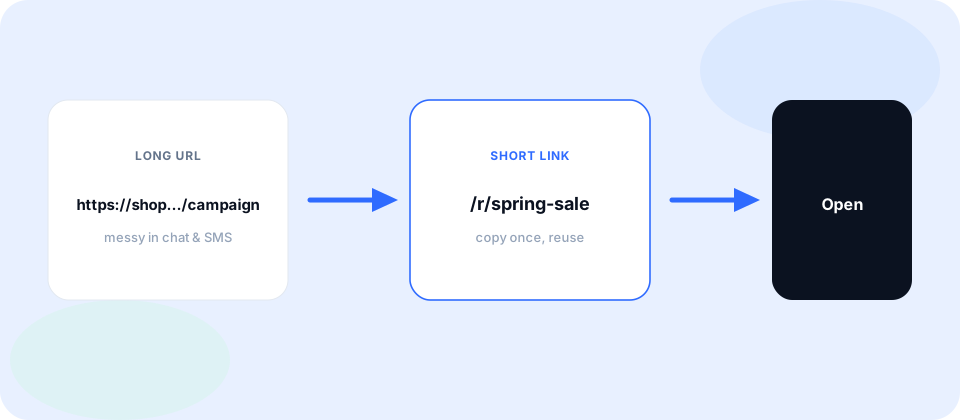
Because shortening is AJAX-based, you can create several links in a row without leaving the page. Copy each result as it appears, then paste it into your message or campaign.
Steps on the homepage
- Paste the full https destination into the form.
- Add an optional alias only when you need a memorable path.
- Submit and wait for the short URL to appear—no full page reload.
- Copy /r/{code} and paste it into chat, email, SMS, or a slide.
What the result looks like
Successful creates return a no-referer.com/r/… address. That path is what recipients click. Behind it, we store your https destination and serve a clean redirect with a no-referrer policy.
If you entered an optional alias and it was available, the short path uses that alias. If the alias was taken or invalid, try another spelling or leave the field blank for an automatic code.
Signed-in users see the same create flow; the difference is that those links are saved to My URLs for later review.
Every short link can also produce a QR code (PNG or SVG) that points at the same /r/{code}. Download it from the create success panel or from My URLs detail.