
Optional aliases for short links
Choose a memorable code when a random one is not enough.
By default, no-referer assigns a short random code in /r/{code}. That is fine for most shares. When you want something easier to say aloud or type by hand, use an optional alias.
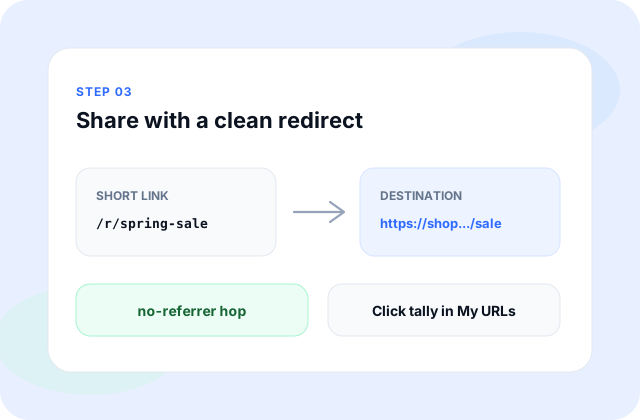
An alias replaces the random segment with a word or phrase you choose, still under the /r/ path. Keep it short, readable, and free of characters that break in messengers. Aliases are not custom domains.
How to set an alias
- Paste your https destination on the homepage (or create while signed in).
- Enter the alias you want in the optional field—letters, numbers, dashes, and underscores work best.
- Submit. If the alias is free, your short path becomes /r/your-alias.
- Open the short link once before you put it on a slide or in a text.

Alias tips
Pick aliases that describe the campaign or document without promising something the destination is not. Misleading vanity paths hurt trust even when the redirect itself is honest.
Aliases must be unique. If someone else already claimed yours, pick another. Leaving the field empty always falls back to an automatic code.
Aliases do not change redirect behavior. Recipients still land on your https destination through a clean, no-referrer redirect.
Free accounts can set an alias only when creating the link. Pro, Bulk, and Enterprise can change the alias later from link details in My URLs. If an alias stops working after a destination change, check My URLs or contact [email protected] with the code.